 Skip to main content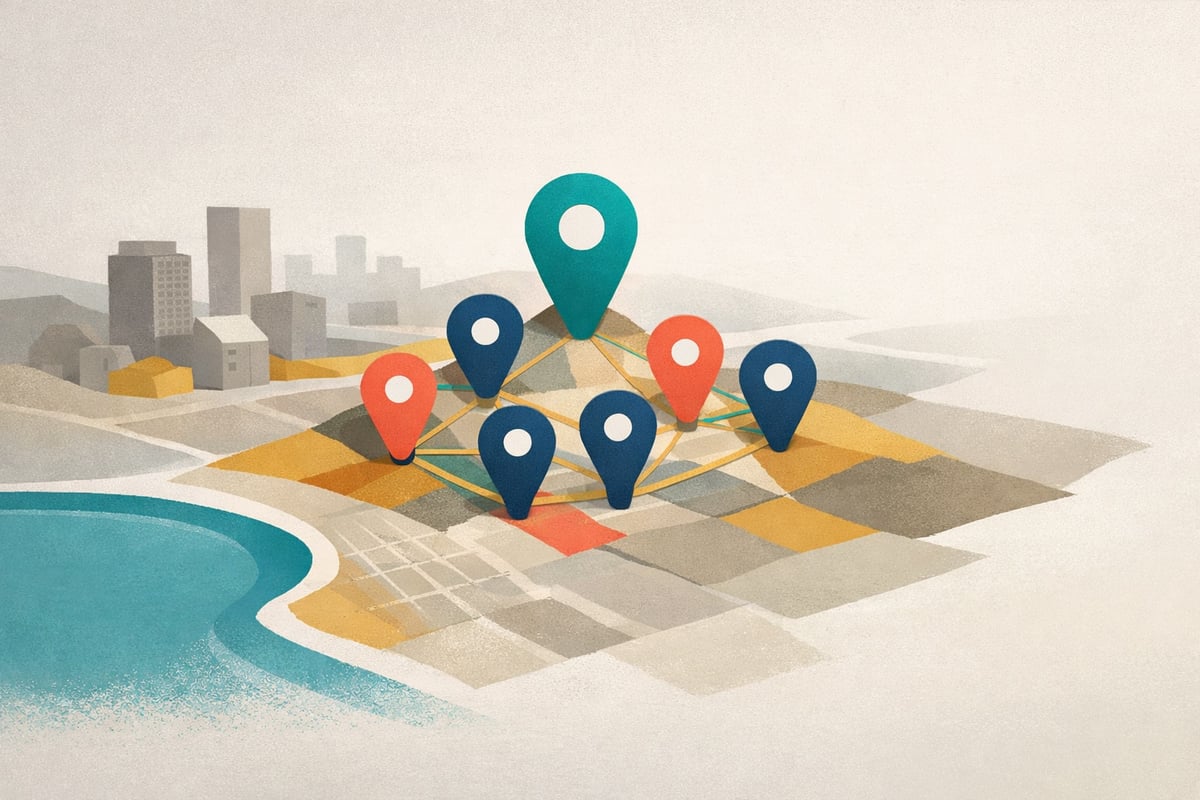
Brand Locations Maps: From Office Hunt to Dream Feature
Sometimes the best features come from real needs. Looking for a serviced office for Olya led me to ADA at Straits Quay—wonderful natural light, amazing views, quiet. Researching their 7-location network inspired a feature I'd dreamed about: interactive maps showing exactly where brands operate.
Olya needs a serviced office starting next week as she serves our first customer. I’ve visited several flexible workspaces around Penang, but one stood out: ADA at Straits Quay. The space has wonderful natural light, an amazing marina view, and something increasingly rare—quiet.
Meeting with the staff, I realized flexible workspace is a fascinating sector with brands that are genuinely growing. So I added it to our taxonomy.
The Research That Sparked the Feature
When I started researching ADA Serviced Office for a brand profile, the location data told a compelling story. Louis Soo didn’t just build one office—he built a 7-location fortress across Penang:
- Suntech Penang Cybercity (HQ) — 10,000 sq ft flagship penthouse
- One Precinct — MSC Status building for tech companies
- Straits Quay — Marina-front premium location (where I visited)
- Ixora Hotel Prai — First mainland expansion
- One Square — Proximity to Free Industrial Zone
- Setia Sentral — Highway access, 20,000 sq ft
- Queensbay Mall — Shopping mall retail adjacency
- KL Bangsar South — First location outside Penang
This geographic clustering is central to ADA’s competitive strategy. Seven locations in one market creates network effects that one location in seven markets cannot replicate. But reading about it in text doesn’t convey the spatial reality.
I wanted to see the fortress.
The Dream Feature: Brand Locations Maps
For months I’d imagined adding location maps to brand profiles—showing headquarters, retail outlets, factories, distribution centers. The ADA research gave me the push to finally build it.
What’s New:
Every brand profile with location data now displays an interactive map. Location types fall into two categories:
Common Types (apply across sectors):
- Headquarters (Indigo markers) — Corporate head office
- Retail (Olive markers) — Flagship stores, showrooms
- Distribution (Sky Blue markers) — Logistics and fulfillment centers
- Manufacturing (Teal markers) — Factories and production facilities
Sector-Specific Types:
- Serviced Office (Orange markers) — For flexible workspace brands like ADA
- Vineyard (Magenta markers) — For wine and spirits brands
Click any marker to see the location name, address, size, and notes. Filter by type to focus on what matters. Zoom to street level for context.
Technical Details
The implementation uses:
- MapLibre GL JS (self-hosted, China-safe)
- Carto basemaps (Dark Matter/Positron, auto-switches for dark mode)
- Color-coded markers matching our design system
- Popup cards with location details
- Filter buttons that only show types present in the data
- Auto-zoom to fit all locations with proper padding
For users in China (detected via timezone and language), we show a graceful fallback message instead of a broken map.
See It In Action
Visit the ADA Serviced Office profile to see Louis Soo’s 7-location Penang network visualized on a map. Filter by “Headquarters” to see the flagship, or “Serviced Office” to see the full network.
The feature works for any brand with location data. Wineries with multiple vineyards. Retail brands with flagship stores. Manufacturing companies with factory networks.
What Started as Office Hunting
What began as helping Olya find a quiet place to work became a sector discovery, a brand profile, a founder profile, and a dream feature finally shipped.
That’s often how it works. Real needs lead to real research. Real research reveals real stories. And sometimes, those stories demand new ways of telling them.
Now when you read about a brand’s geographic expansion, you can see it.